- 10/19/2023 04:30:36 PMNew FeatureUsing a Privacy Monitor in Dual Projection Rooms
 article
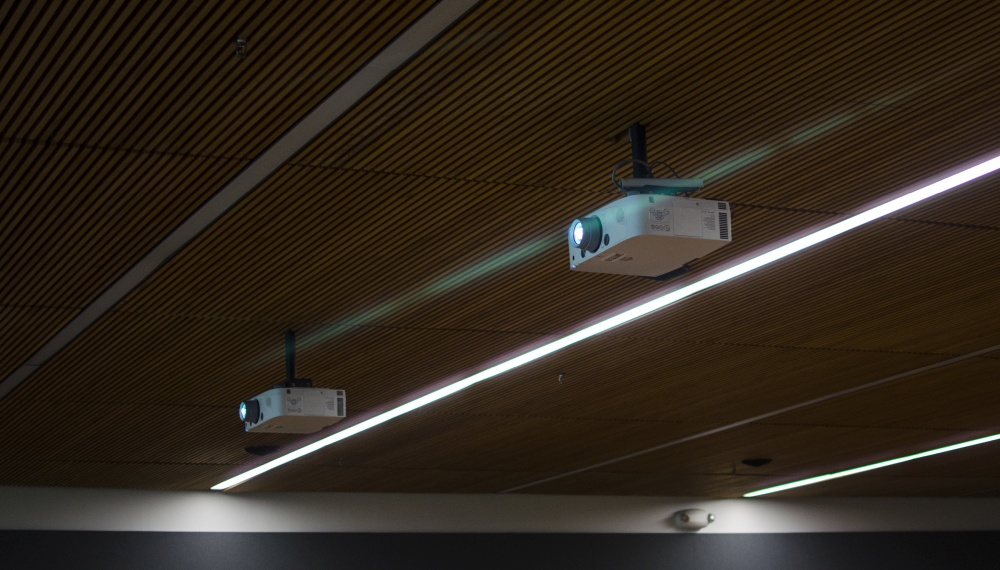
Updated 02-06-2025Dual-projection classrooms that have been digitally upgraded have the ability to clone content to both projectors and allows the left instructor desktop monitor to review PowerPoint notes, manage a Zoom meeting, or other tasks which students need not see.The following rooms have this feature capability: Dual-Projection Digital Rooms.When in these rooms, select the Clone option on the AV Controls to display content from the right instructor monitor to both projectors. Select Extend to display both monitors on each projector. NOTE: This setting only affects the Computer input.See the diagram below for illustration.
For any questions regarding this setup, please contact us.
article
Updated 02-06-2025Dual-projection classrooms that have been digitally upgraded have the ability to clone content to both projectors and allows the left instructor desktop monitor to review PowerPoint notes, manage a Zoom meeting, or other tasks which students need not see.The following rooms have this feature capability: Dual-Projection Digital Rooms.When in these rooms, select the Clone option on the AV Controls to display content from the right instructor monitor to both projectors. Select Extend to display both monitors on each projector. NOTE: This setting only affects the Computer input.See the diagram below for illustration.
For any questions regarding this setup, please contact us.